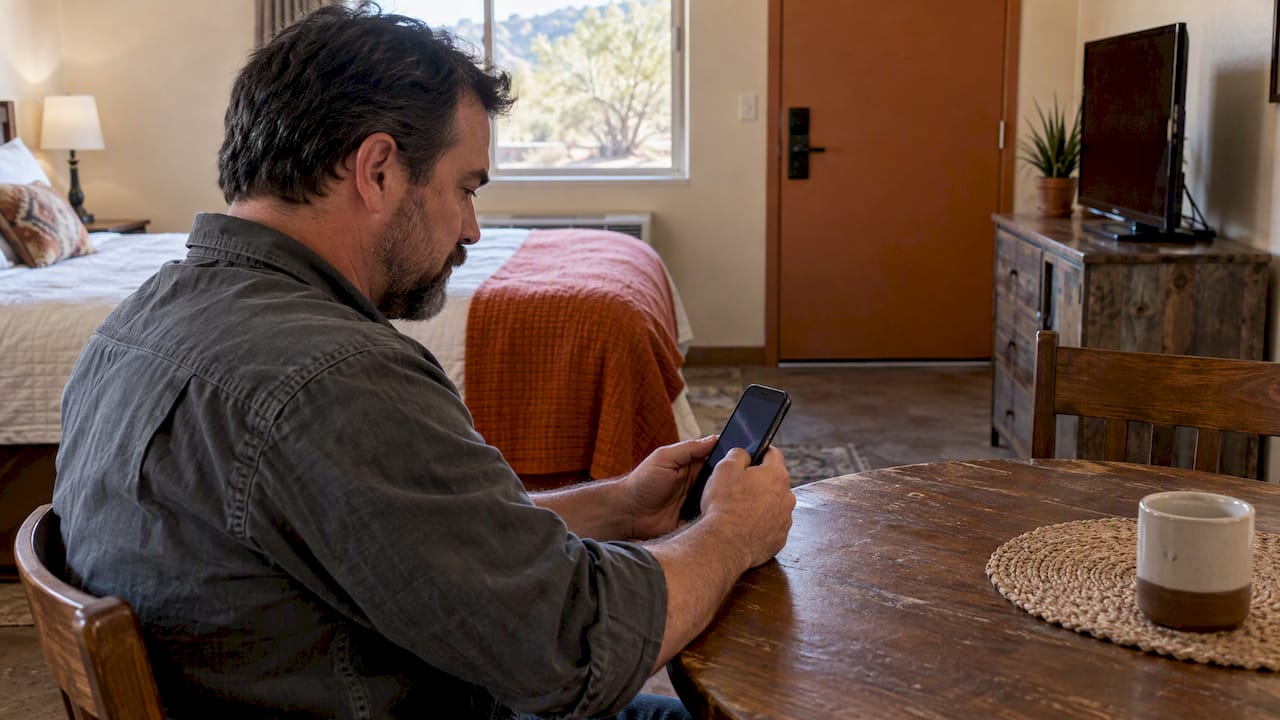
A digital rental application lets you apply for a lodge room or RV site from your phone or laptop, upload your documents, get approved and pay, all without calling an office. For workers on rotation in the Permian Basin, that means you can finish the paperwork from a truck cab, a break room or a hotel bed at 2 a.m. This guide covers what to have ready, how long approval can take, how to spot a fake listing, and what rights you keep when software screens you.
TL;DR
- A digital application is typically a 10-minute form plus uploads: government ID, proof of income and sometimes bank statements. Some providers report approvals in as little as 3 hours.
- Clear, recent, consistent documents are what speed approval. Blurry photos and mismatched names are what slow it down.
- Never pay an application fee, deposit or rent by wire transfer, cryptocurrency or gift card, and be wary of any listing that asks before you can verify the property on the company’s official site, per the FTC.
- If you are denied based on a screening report, you can ask for a copy and dispute errors.
- At Mesquite Oasis in Odessa, you can apply and pay online at any hour, for nightly, weekly or monthly stays.
Table of Contents
- What a digital rental application actually is
- Documents to have ready before you start
- Why accuracy matters more than speed
- How long approval takes
- Spotting a fake lodging listing
- Your rights when software screens you
- What to compare before you apply
- Our perspective: apply online, then never call the office
- Applying at Mesquite Oasis
- Protecting your own rig and belongings
- FAQ
- Sources
What a digital rental application actually is
Strip away the software names and a digital application does the same job a paper one did at a front desk. It collects who you are, how long you plan to stay, how many people and vehicles are coming, and whether you can pay. The difference is that every step lives online: the form, the identity check, the approval, the invoice and the payment.

For lodging, that matters more than it does for a standard apartment lease. Extended-stay guests tend to arrive on a schedule set by a job, not by a leasing office. A crew lead might need six rooms confirmed before a rig move. A traveling inspector might land in Midland at midnight. A system that waits for business hours does not fit those people.
It also changes what “apply” means. In a hotel you book and show up. In a lodge or RV park with a workforce focus, you usually apply first, get approved, then pay an invoice. That extra step is what lets a property keep its gated community stable, and it is why a fast, online version is worth looking for.
Documents to have ready before you start
Most delays come from the applicant, not the software. Gather these before you open the form:
- Government-issued ID. A driver’s license, state ID or passport. Photograph it flat, in daylight, with all four corners visible.
- Proof of income or employment. Recent pay stubs, an offer letter or a contract with your employer or staffing company. Some providers also ask for bank statements. One extended-stay provider lists ID, proof of income and sometimes statements as the usual uploads.
- Vehicle and RV details. For an RV site: the length, the amperage you need (30 or 50 amp), and plate numbers. For a work truck or trailer, the same.
- Your dates. Move-in date and a realistic length of stay. Weekly and monthly rates differ, so know which you are choosing.
- Company contact, if the company is paying. A billing contact and the names of everyone staying.
Keep every file as a clear PDF or photo, under a few megabytes if the form limits size, and name them sensibly. “license-front.jpg” beats “IMG_4432.jpg” when a reviewer opens a folder.
Why accuracy matters more than speed
Automated checks are now routine. The National Apartment Association says multi-step verification is spreading, including selfie-style photo matching against a government ID and comparing the date a pay stub was issued with when deposits hit the bank. Its streamlining article describes automated ID verification as becoming a standard for remote applicants.
You do not need to fear that. You need to be consistent:
- Use your legal name exactly as it appears on your ID, on every document.
- Make sure pay stubs are recent and match the income you state.
- Retake a photo that is blurry, cropped or has glare across your face or license.
- Type employer and income details carefully. Manual entry is where mistakes creep in.
A typo in an employer name can look, to software, like a mismatch. A person usually clears it up quickly, but you lose time you did not have to lose.
How long approval takes
Times vary by provider and by how clean your file is. One mid-term furnished housing company says most online applications take about 10 minutes and that approval can come in as little as 3 hours, with most residents moving in within 24 to 48 hours. Treat that as one operator’s report, not a promise from every lodging provider.
What you can control:
- Apply earlier than you think you need to. If your start date is firm, apply a week or more ahead. For crews, our guide to booking workforce housing 30 to 60 days before deployment explains why.
- Submit everything in one go. Partial applications sit in a queue.
- Check your email and spam folder. Invoices and approval notices travel by email.
Spotting a fake lodging listing
Online applications make life easier for you and for scammers. Housing near oilfield work is a target because demand is high and workers are often relocating on short notice.
The FTC says scammers often copy real rental listings and swap in their own contact details. Its advice is to verify the property on the company’s official website. Watch for these signs:
- You are asked to pay by wire transfer, cryptocurrency or gift card. The FTC says a legitimate housing provider will not ask for that.
- You are pushed to pay before you have seen the property or signed anything.
- You are sent to a third-party site to check your credit score or pay a fee.
- The price is far below what comparable places charge, and the “owner” is conveniently out of town.
- The email address or phone number does not match the one on the business’s own site.
The simplest defense: type the business’s web address yourself rather than clicking a link in a message, and check that the application page sits on that domain. If you are applying to us, the form lives on mesquiteoasis.net and our registration portal is linked from there.
Your rights when software screens you
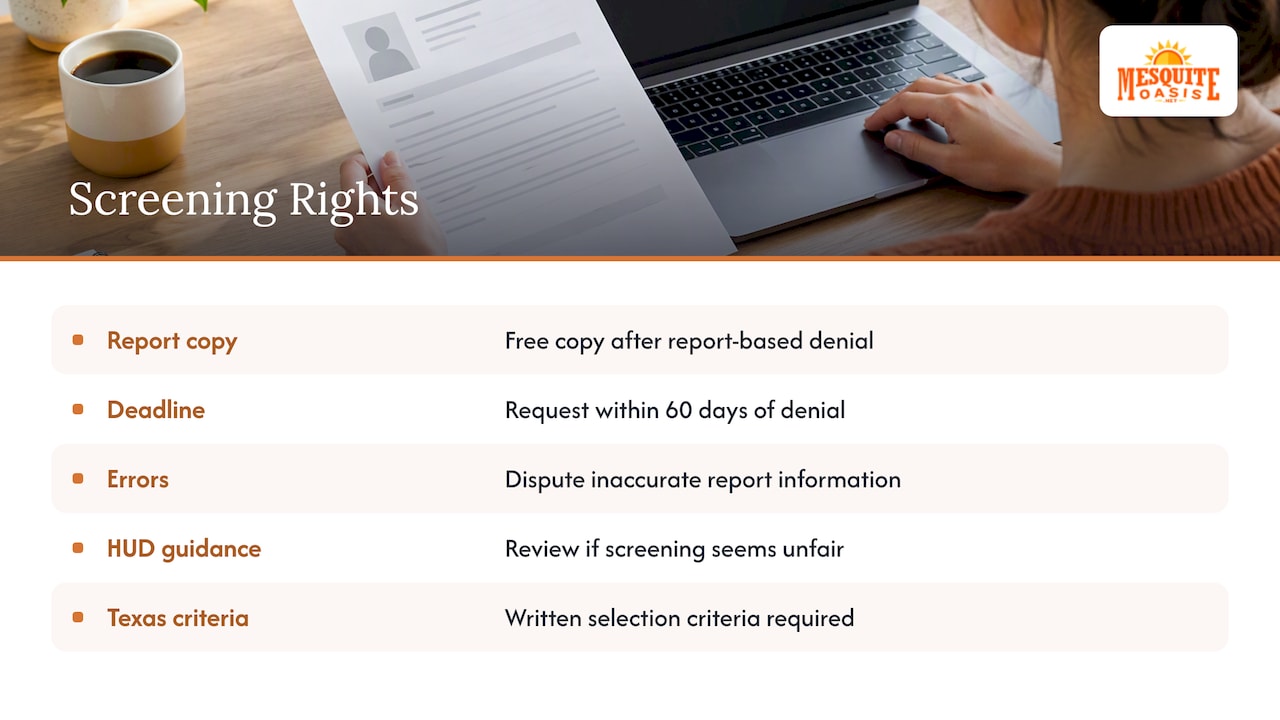
If an application runs a background or credit check, federal rules apply. The FTC explains that a landlord or property manager may use a tenant screening company, and that if you are turned down based on a report, you can ask for a free copy and dispute anything inaccurate. Request it promptly: the FTC’s guidance points to a 60-day window after a denial.
Common errors to look for are a criminal record that belongs to someone with a similar name, an employment gap that is not real, or an old account that was already settled.
HUD has also published guidance on screening applicants for rental housing, which is worth a read if you think a criteria was applied unfairly. Texas also has a rule on this: Property Code Sec. 92.3515 requires landlords to give applicants written selection criteria, as summarized here. Whether it applies to a particular lodge or RV stay depends on the arrangement, so if you have a dispute, a Texas tenant attorney or legal aid office is the right person to ask, not a website.
What to compare before you apply
A good digital application is only half the decision. Before you submit anything, compare these points across any extended-stay option, whether a hotel, an apartment or a lodge:
| Question | Why it matters |
|---|---|
| Is the whole process online, from application to payment? | Saves phone tag and lets you finish on your own schedule |
| What is included in the rate? | Utilities, WiFi and laundry can add up if billed separately |
| Are fees listed publicly? | Pet and late charges should be findable before you apply |
| How is access handled? | A personal code is easier than a key at a front desk when shifts run overnight |
| Can a company be invoiced once a month? | Crews need one bill, not twelve receipts |
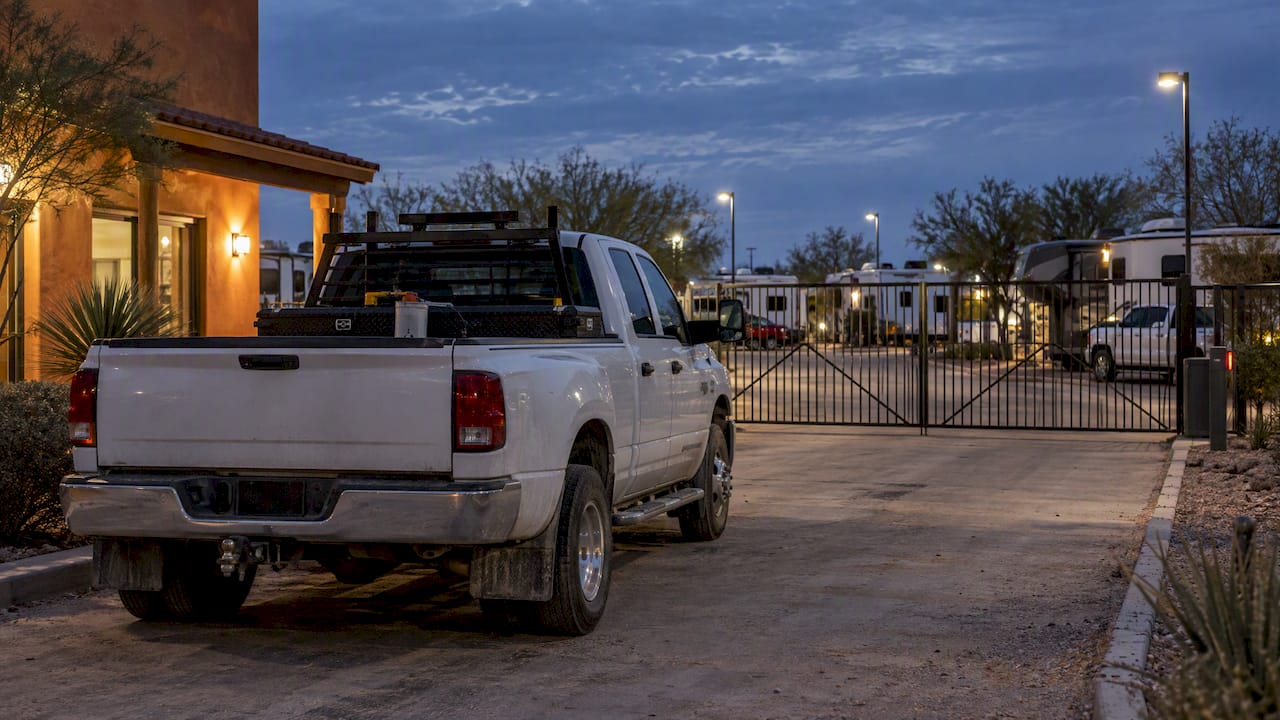
| Is the property gated? | Security matters when your truck and gear sit there all day |
We go deeper on the money side in Contractor Lodging: 5 Stay Types and the Fees Nightly Rates Hide, and on the platform question in Airbnb vs. extended stay for multi-week work stays.
Our perspective: apply online, then never call the office
We built Mesquite Oasis around people whose days do not follow office hours. Our guests work shifts, run crews and move between jobs across the Permian Basin. So we treat the application as part of the product, not a hurdle before it.
Here is what we believe about digital applications:
- The application should be the last paperwork you do. You apply, we review, you get an invoice, you pay. All of it online, any hour.
- The price you see should be the price you pay. Our rates include utilities and WiFi, and the fees we charge, like the pet fee and late payment charges, are listed on our rates page.
- Access should not depend on someone being at a desk. Laundry, gym and other amenities open with a personal PIN code, so a night-shift guest gets the same access as a day-shift one.
- Companies need a clean paper trail. We offer block booking and consolidated monthly invoicing for crews.
The point is that a worker who is tired after twelve hours should not need to make a phone call to get a bed.
Applying at Mesquite Oasis
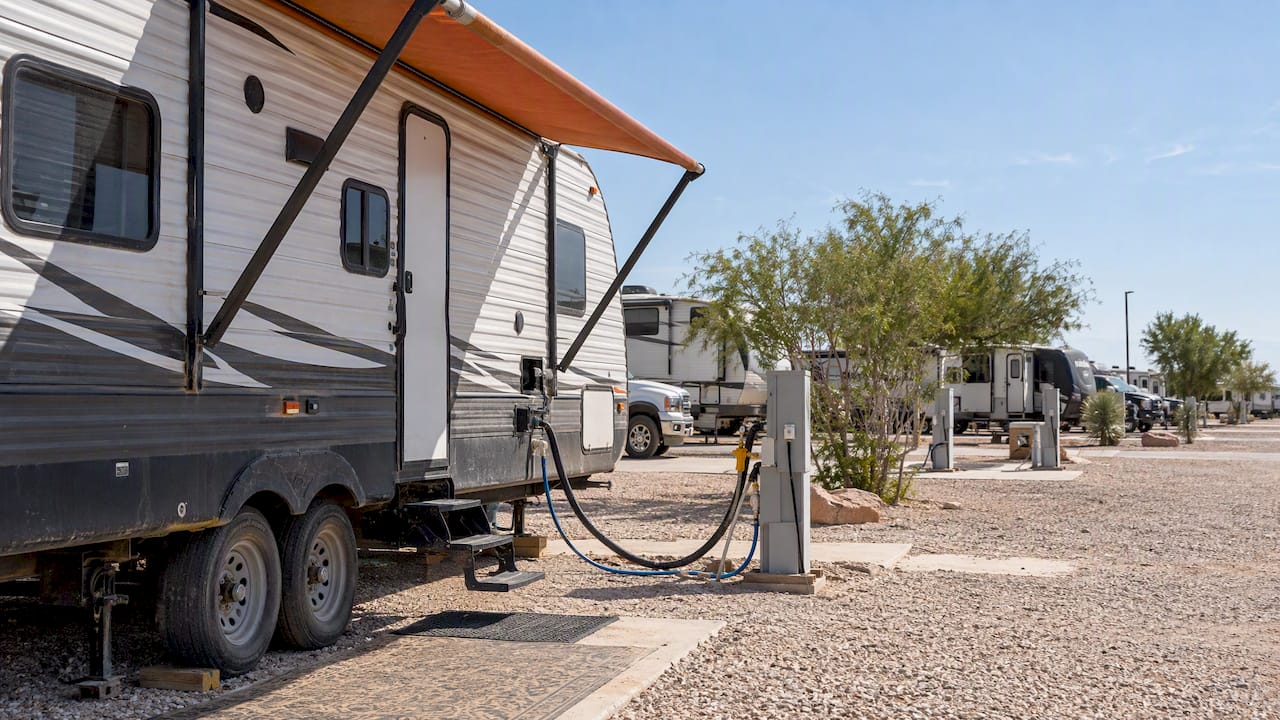
We have 241 full-hookup RV sites and 110 furnished lodge rooms in Odessa, Texas, with nightly, weekly and monthly stays. Published rates, as of our site on 2026-09-16:
| Option | Weekly | Monthly |
|---|---|---|
| 30 Amp RV site | 300 USD | 795 USD |
| 50 Amp RV site | 300 USD | 795 USD |
| Single room | 400 USD | 1350 USD |
| Bunk bedroom | 550 USD | 1700 USD |
See current details on the RV sites page and the lodge rooms page. Amenities include laundry, a gym, a basketball court, a pool, a fishing pond and pet areas, all listed on our amenities page. The park is pet-friendly and family-friendly.
When you are ready, apply and pay online. For a walk-through of the steps, read Book an RV Park Site Online in Under 10 Minutes, and for arrival day, Contactless Check-In for Extended Stays. Read our terms and conditions before you submit.
Protecting your own rig and belongings
A fast approval does not cover what happens if something goes wrong. If you are living in an RV for months, check whether your policy still applies when the unit is parked long term and used as a residence. Insurance agencies explain the differences in cover for RVs and long-term rentals, for example this guide to rental and RV coverage. Ask your own insurer or agent what your policy says before you settle in.
FAQ
Do I need to call anyone to finish a digital application?
Not at Mesquite Oasis. You can apply, get an invoice and pay entirely online, at any hour. If you want to ask a question first, our site has the details on rates, amenities and terms.
What should I upload with a lodging application?
Plan on a government-issued ID and proof of income, and in some cases bank statements. Make the images clear and make sure names and dates match across every file. Check the specific form for what it asks, since providers differ.
Is it safe to submit my ID online?
It is safe when you are on the business’s real website. The FTC advises verifying the property on the company’s official site, and never paying by wire transfer, cryptocurrency or gift card. Type the address yourself instead of following a link in a message.
What if I am denied because of an error in a screening report?
Ask for a copy of the report from the screening company named in your denial notice, ideally within 60 days, and dispute anything that is wrong. If the problem is not resolved, contact the FTC or a Texas legal aid office for guidance.
Sources
- Temporary Housing, furnished rooms and apartments
- Rental Listing Scams, FTC
- How Property Managers Can Combat Application Fraud, National Apartment Association
- Streamlining the Rental Application Process, National Apartment Association
- Tenant Background Checks and Your Rights, FTC
- HUD guidance on screening of applicants for rental housing
- Texas Tenant Screening Laws